Screens
Black and white, and nothing else.
No accent colour anywhere. Hierarchy comes from one ink at four opacities, and the loudest thing on any screen is the one you came to do.
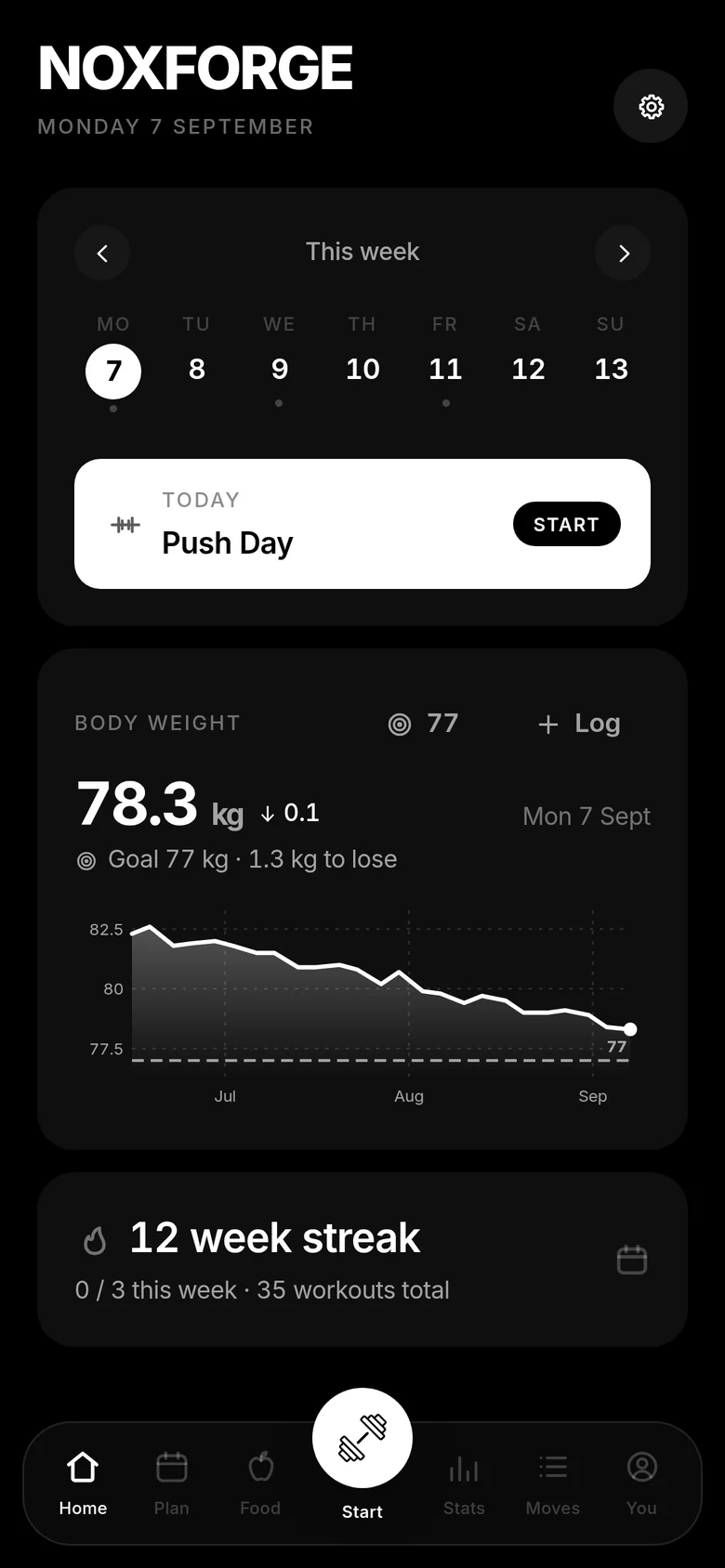
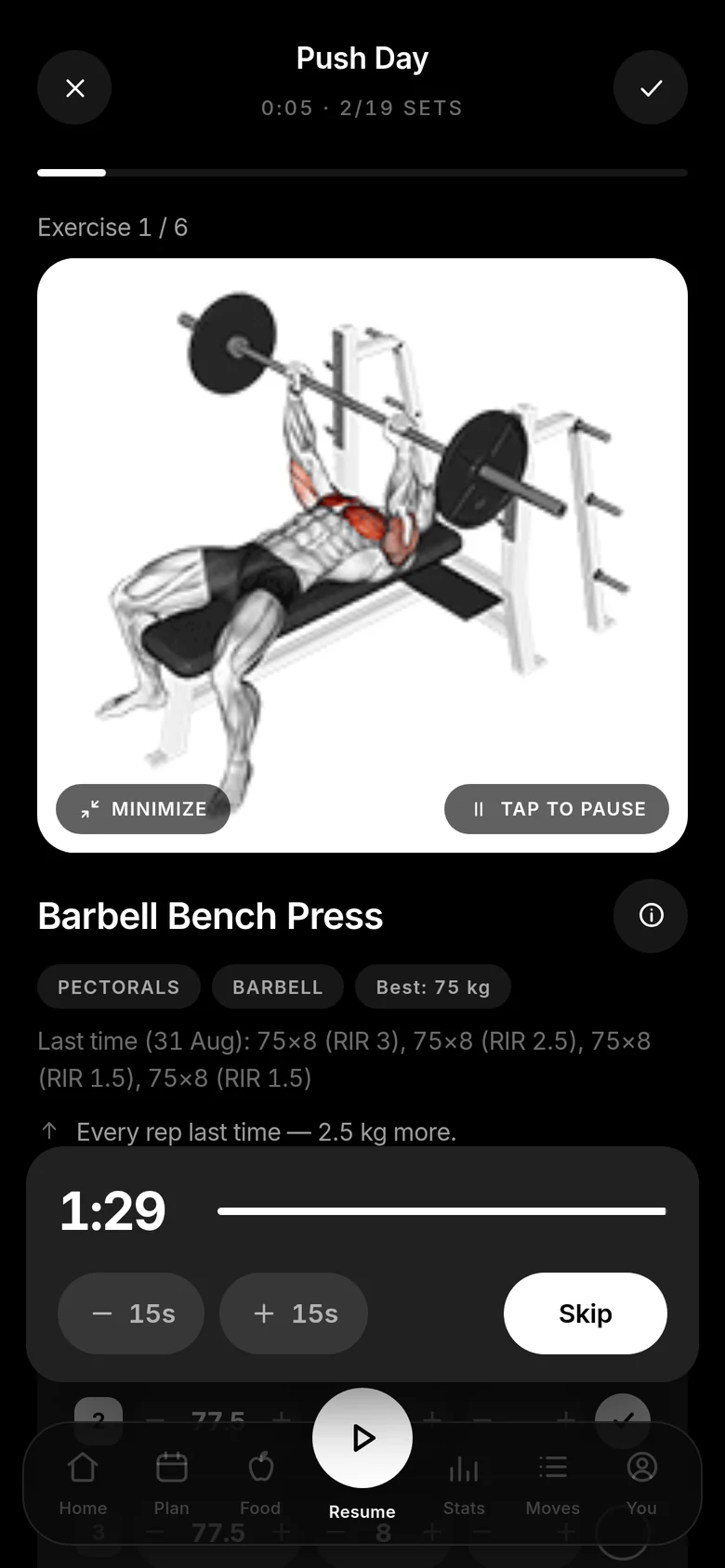
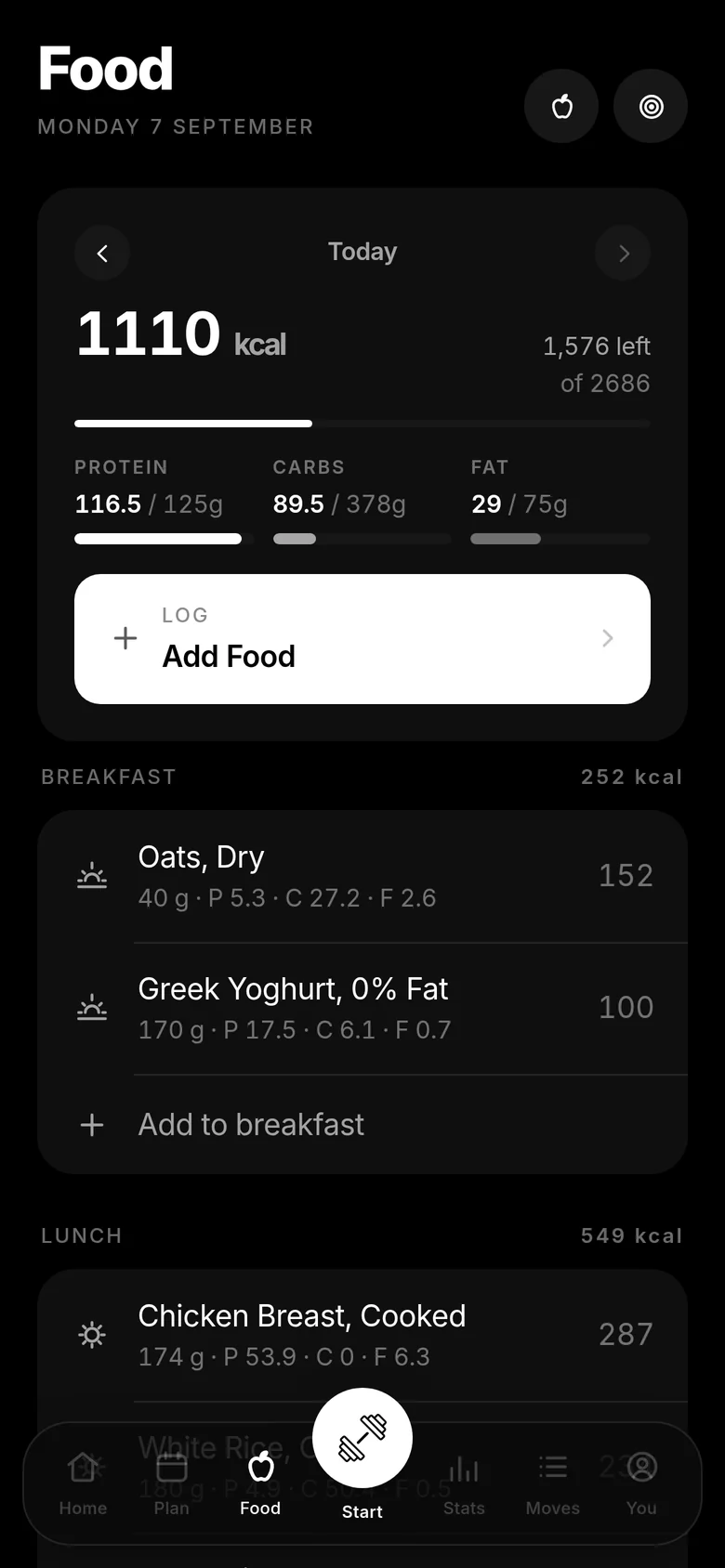
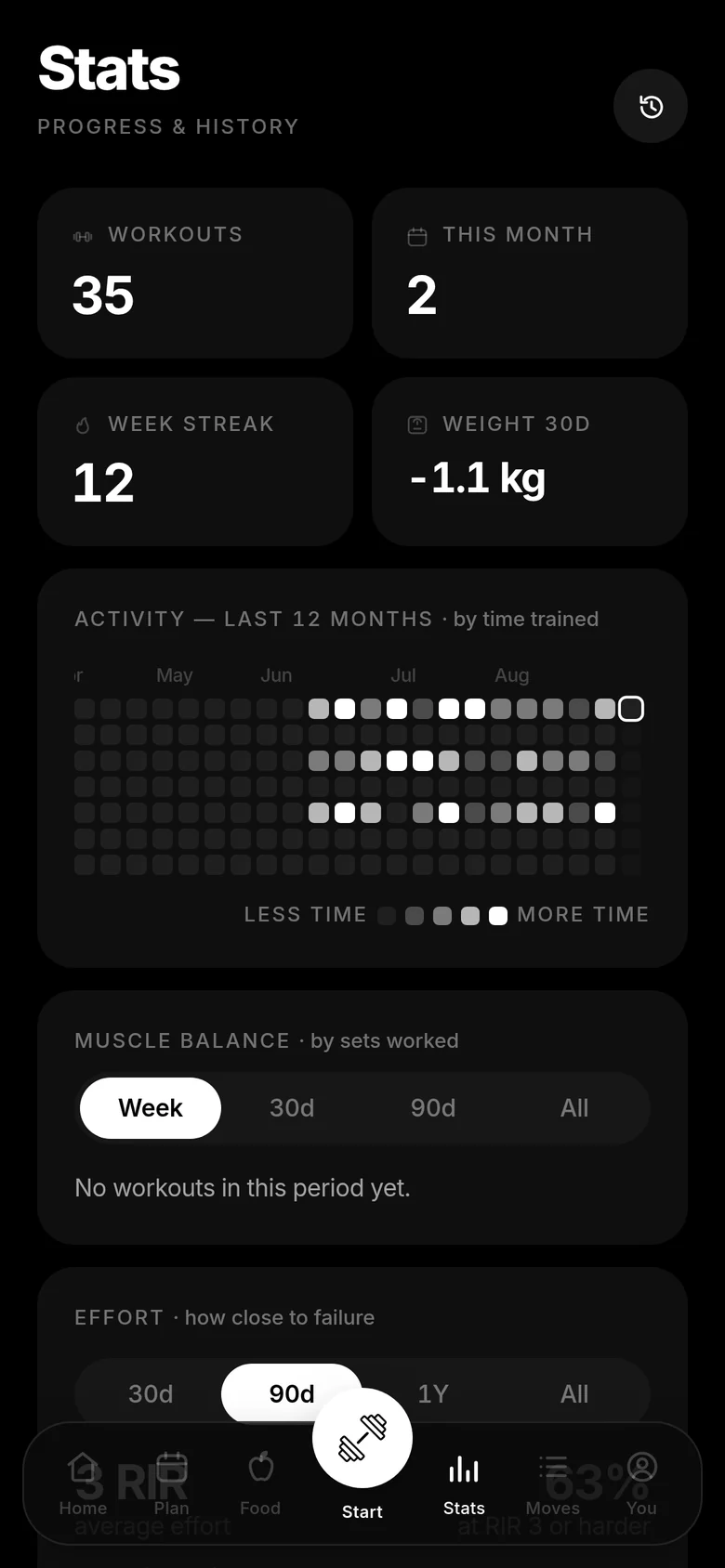
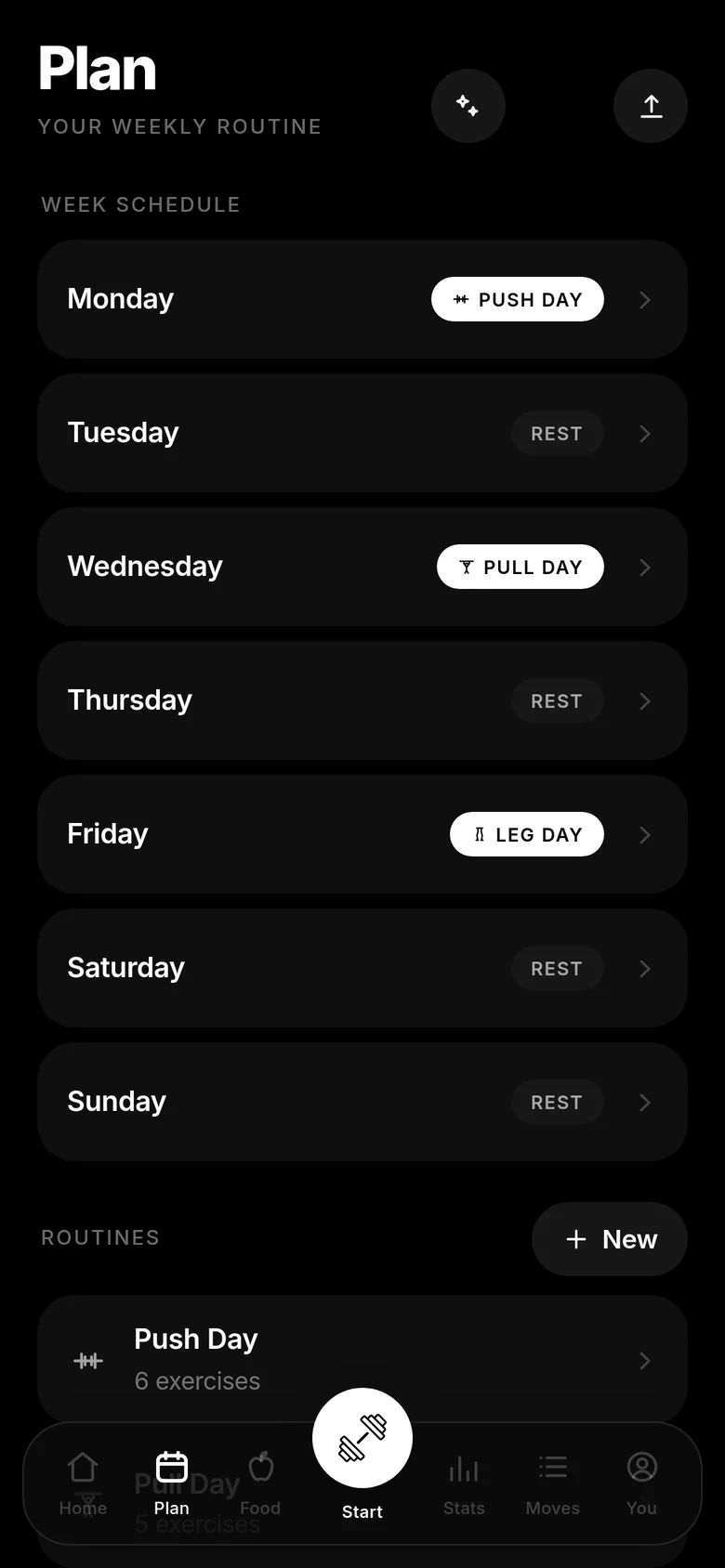
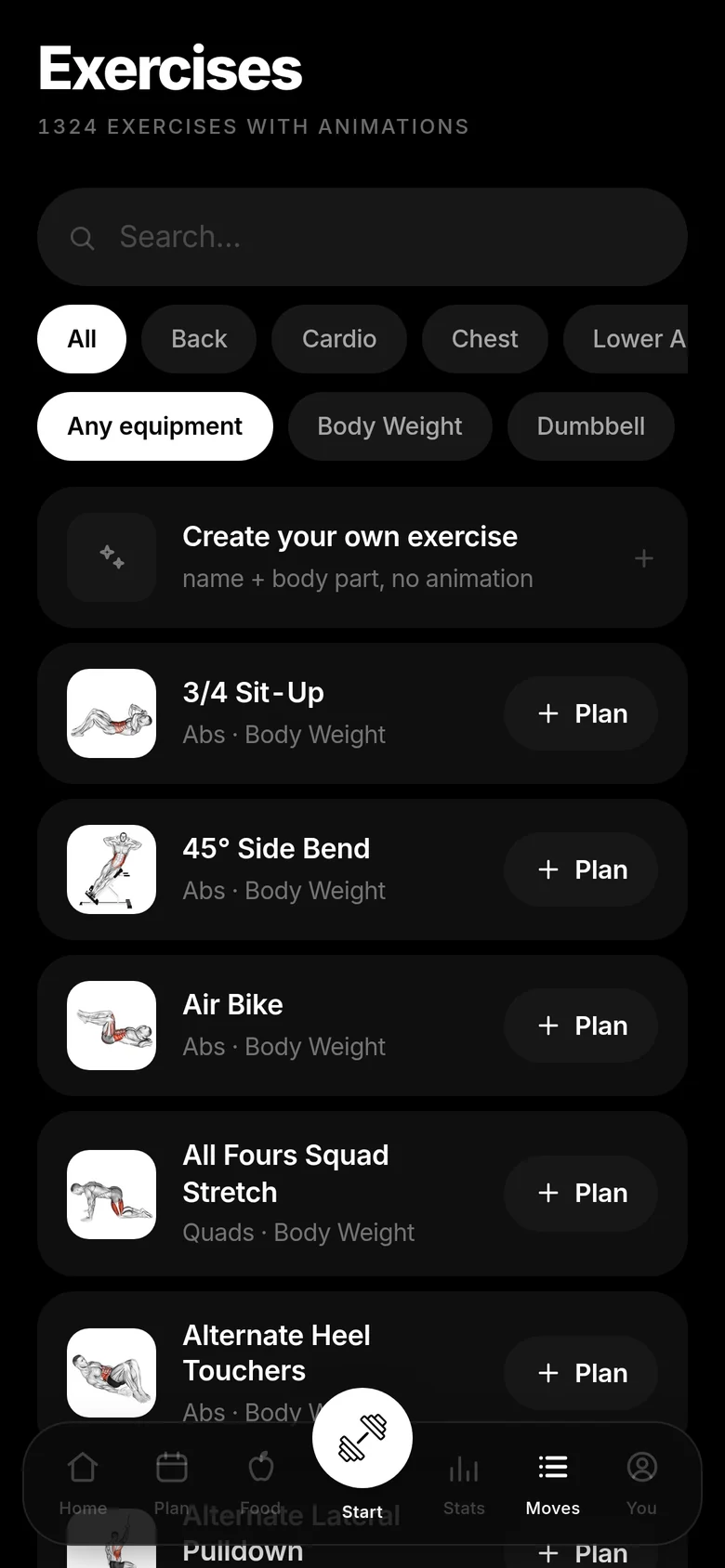
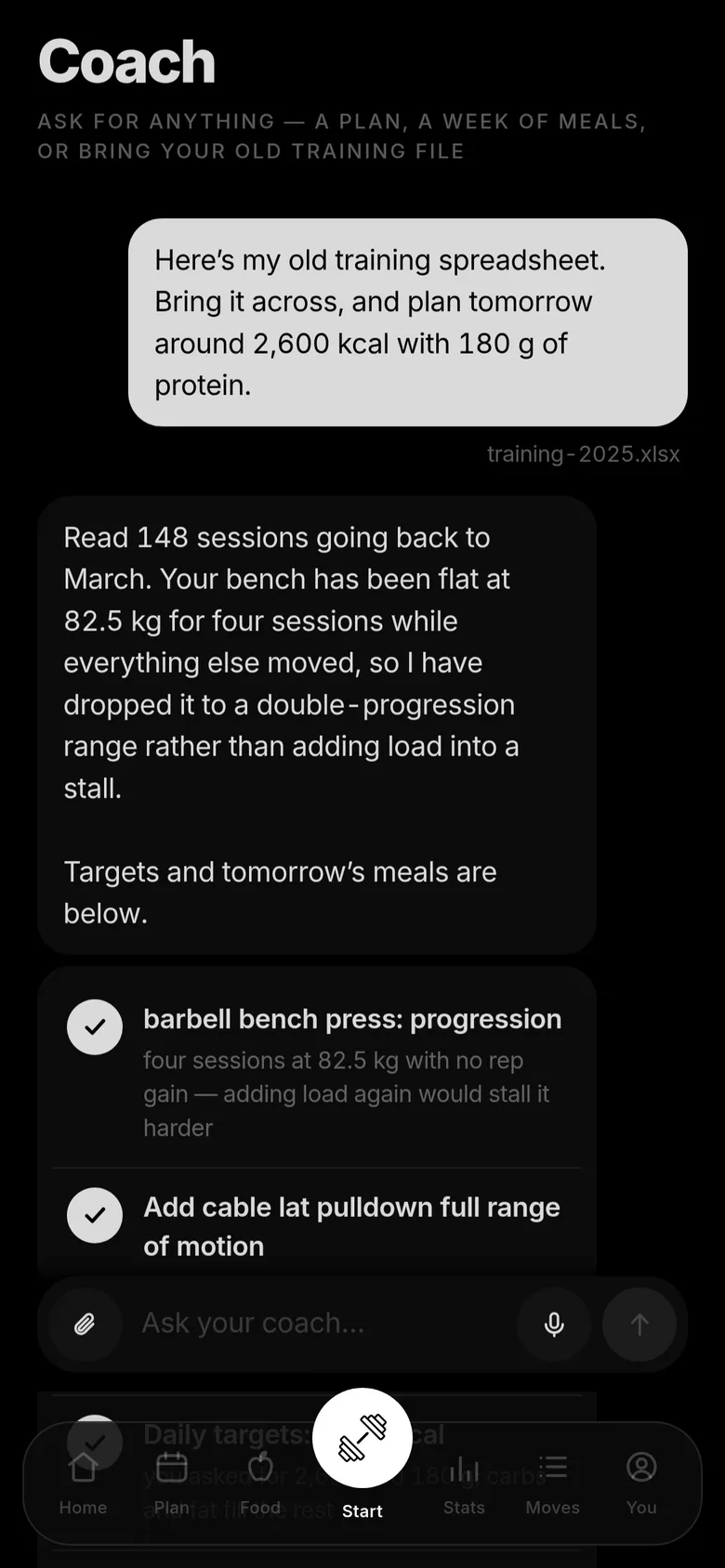
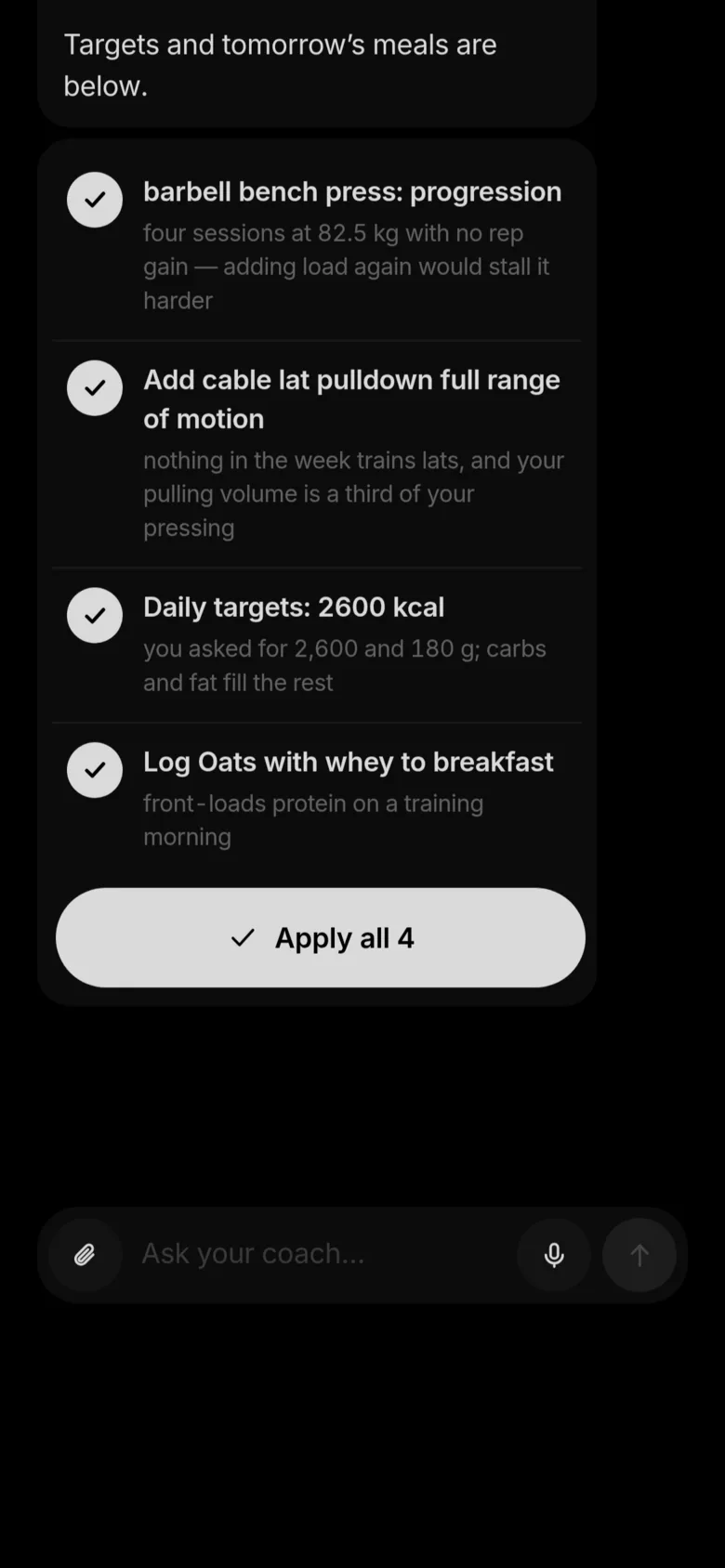
Your training and your calories, tracked in one app.
Free to use · No ads · No subscription · try it without signing up
A routine per weekday over 1,324 exercises. Weights are already filled in when the session opens, and each target says why it is that number — a rule you picked, applied to what you actually lifted last time.
Calories and macros against daily targets. Search packaged products, scan a barcode, or photograph the plate and correct what the model saw before it is logged.
Most people run a training app and a food app that know nothing about each other. This is both, and one of them already knows what the other did today.
Linear, Greyskull LP, double progression, or added time — per routine, overridable per exercise. Missed reps never advance the load; repeated stalls trigger a deload.
It knows what day it is and opens today's workout. Rest timer, PR detection, supersets, timed holds, and the screen stays awake while you train.
Point the camera at a meal and get an editable list back — each item named, weighed and costed. Nothing is logged until you have checked it.
Search and barcode lookup across a database of packaged food, so a boxed lunch takes one scan rather than five minutes of typing.
Answer four questions and it works out calories and macros — protein per kilo of body weight, not a share of calories — or type your own in.
Face ID, Touch ID or a fingerprint. Nothing to remember, nothing to leak, and the same account on your phone and in the browser.
One-tap JSON export and no telemetry of any kind. Import your history from FitNotes, Strong, Hevy or Apple Health.
It designs a plan from a short intake and revises it from what you log — as discrete changes you accept one at a time. Off until you turn it on.
No accent colour anywhere. Hierarchy comes from one ink at four opacities, and the loudest thing on any screen is the one you came to do.
Paste an API key from Claude or OpenAI and the coach works for you — it writes your plan, plans your meals, and reads the files you already keep. Requests go to your account, so nobody is metering you but your own provider.
Dictate straight into the box on a phone. Nothing is uploaded to do it — your browser does the listening, and the app only ever sees the words.
Attach a spreadsheet, a notes file, a JSON export or an HTML plan. It reads them, pulls out the sessions and meals, and offers to bring them across.
Daily calories and macros, and meals against them. Calories are checked against the macros they came with — a figure that cannot be produced by its own protein, carbs and fat is refused rather than quietly logged.
Every suggestion arrives as a list with a checkbox. Untick what you disagree with, apply the rest in one tap, and undo the lot if you change your mind.
A Claude or ChatGPT subscription is not the same as API access — those are billed separately by each provider. The app tells you so before you paste anything, rather than after.
One account across all of it. Sign in once with your face or your fingerprint and everything you have logged is already there.
An installable app with its own icon, full-screen and offline-capable. Sign in with the passkey on your phone.
Download APKAndroid asks you to confirm an install from outside the Play Store the first time. A Play Store listing is on the way.
Open NOXFORGE in Safari, tap Share, then Add to Home Screen. You get the same icon, the same full-screen app and the same notifications.
Open on iPhoneAn App Store release is planned.
Nothing to install. The full app runs in any modern browser on a laptop, a tablet or a phone, and stays in step with everything else.
Open NOXFORGEWorks offline once it has loaded.
Not ready to install anything? Open the demo — the whole app with a month of example training already in it, running entirely in your browser. Nothing is uploaded, nothing is kept, and you can change anything you like.
Yes. Every feature on this page is free to use — no trial, no subscription, no advertising, and nothing is held back behind a paid tier.
Yes — the demo is the real app with example data, running in your browser with no server behind it. Nothing you do in it is uploaded or saved, and it cannot touch a real profile.
You need a profile so your training and food follow you between devices, but there is no password. You sign in with Face ID, Touch ID or a fingerprint, using a passkey your phone stores. Nothing to remember and nothing to leak.
It is the same app and the same account. Installing it gives you an icon on your home screen and a full-screen window; the passkey you already created works immediately.
It is stored so you can get at it from any of your devices, and you can export all of it as a JSON file whenever you like. There is no analytics or tracking of any kind in the app.
There will be. In the meantime, adding NOXFORGE to your home screen from Safari gives you the same thing: its own icon, a full-screen window, notifications, and offline use.